How to Avoid Online Scams Selling Products on Gumtree, Facebook Marketplace
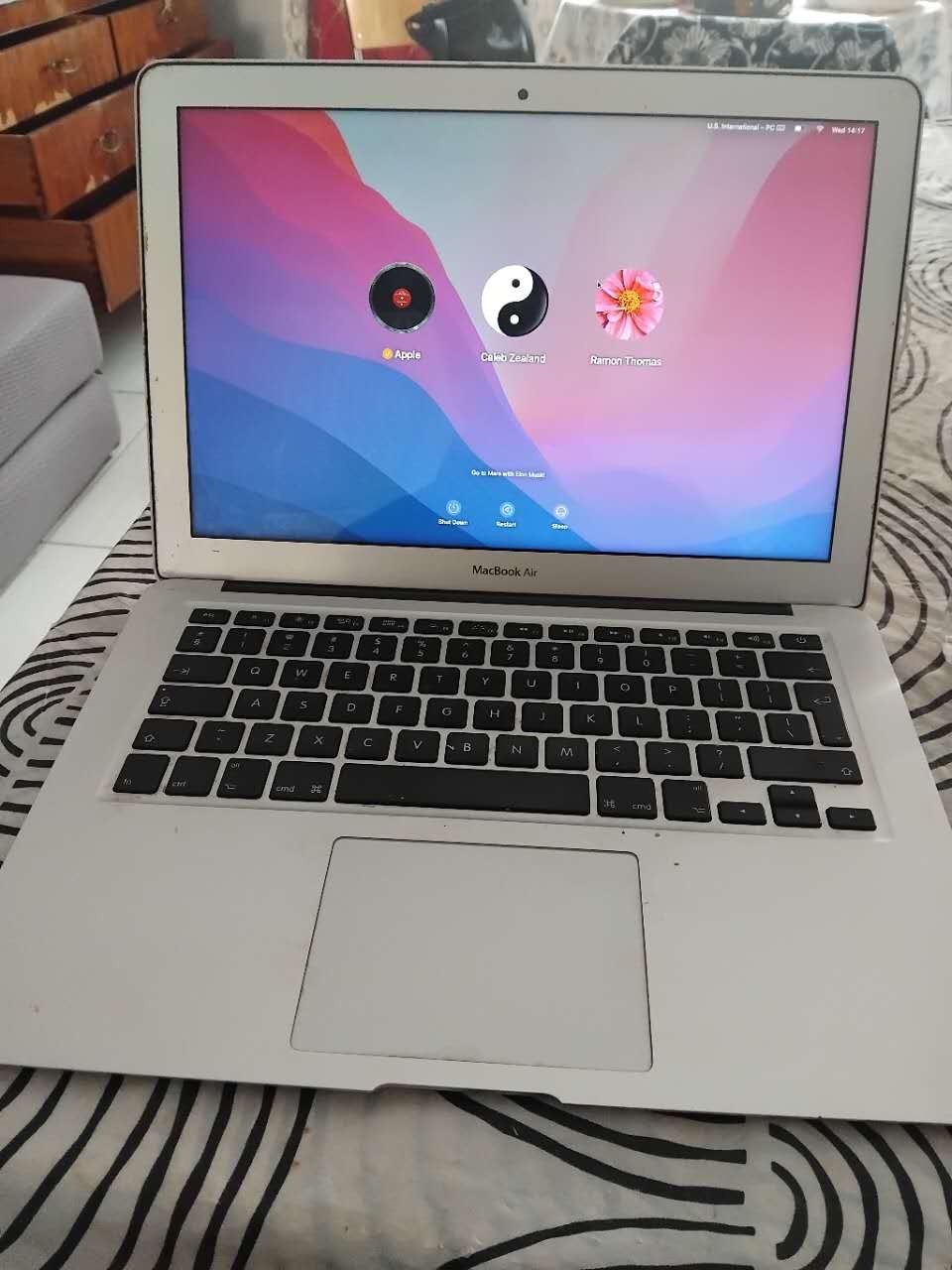
Yesterday, I was contacted by two people who wanted to buy my 2017 MacBook Air that I’m selling. At first, I advertised it on Facebook Marketplace and later on Gumtree, the leading classifieds website in South Africa. I’ve been using the Internet since 1993 and learned the tricks and trade of selling online, and how to avoid scams when selling goods online.
These scammers probably think most people are stupid. It does remind me of when I first moved to Johannesburg in 1996 and sold my computer through a classified advert in a newspaper. The guy who purchased it paid me with a bank cheque, and I readily agreed. When I went to the bank the next day, I was told the cheque was fraudulent, and I never got the money. This was a lesson I vowed never to repeat again.
Facebook Marketplace is great for selling on the world’s largest social media platform because it allows people in your local area to find your products easily. When you search on Facebook, it will show you results from your local area, your friends and then other relevant posts and people.
Facebook Marketplace also allows you to share product listings in groups and on your newsfeed for all your friends to see. Once you make a sale, you can mark the item as sold, and also who the buyer was. I’ve sold many items on Facebook Marketplace because it reaches so many people who use it on a daily basis.
Gumtree, on the other hand, is a classified website and app. It also allows you to sell products in your local area by choosing the province and city where you are based. Sadly, Gumtree is notorious for attracting scammers. Even though Gumtree offers a lot of tips on how to avoid scams and fraud, it doesn’t stop people from trying to scam you when you’ve advertised your product.
With Facebook Marketplace, you are usually contacted via your Inbox, and therefore, you can view the Facebook profile of the person who has contacted you. On Gumtree, the buyers can contact you via email or your mobile number. In both cases, I was contacted via WhatsApp by two prospective buyers.
The first person claimed to be in Pretoria and wanted to buy my 2017 MacBook Air for his son. I sent him my Capitec Bank account details, and he asked me to make a payment via PayPal. I sent him my email address, and he asked me to send him a payment request. The problem with PayPal is that it doesn’t support the South African Rand, only USD and some other international currencies. Anyway, I sent him the amount to pay in USD and even shared the screenshot with him on WhatsApp. He never did make the payment.
The second person who also contacted me on WhatsApp claimed to be in Port Elizabeth. He told me he will make a payment from his Standard Bank business account. He sent me a payment confirmation, his ID and a photo of him holding his ID document. He insisted the driver would collect the MacBook Air within 10 minutes.
Eventually, I heard someone hooting from a car outside my house, but I just ignored them because there was no deposit in my Capitec Bank account. Suddenly, this person deleted their ID photo and the photo of them holding their ID. I had already reported them to WhatsApp as a scam and taken screenshots just in case I needed to report this to the police.
5 Ways to Avoid Online Scams When Selling Products
- Never allow the goods to be collected until the money reflects in your bank account
- Don’t move the conversation off the platform you are selling or buying from, because that way you can report the scammers and they will be blocked.
- When selling in your local community, meet the person in a public place where there are lots of people and do not give your home address.
- Never accept payments via anonymous methods like Western Union, Moneygram, PayPal, or eWallet – either directly into your bank account or cash.
- When you suspect someone is trying to scam you, report them to the platform and take screenshots for later reference or police reports.
1: What is the “golden rule” for selling online safely?
2: How can I spot a scammer before it’s too late?
3: Should I meet a buyer in person, and how do I do it safely?
Choose a safe, public location, such as a busy shopping mall or, even better, a local police station.
Consider bringing a friend or family member with you.
Never invite the buyer into your home or share more personal information than necessary.
If you must meet at your home, restrict access to a porch or garden area only.
4: What should I never do when arranging payment?
Never accept or request payment via anonymous services like Western Union, MoneyGram, eWallet, or even PayPal, as these offer no protection against fraud.
Never provide your personal banking details (like your credit card number) to a buyer.
Never hand over your item before you have verified the funds are in your account, not just from a screenshot.